

Last Chance
Some of our products don't stay around forever. These are leaving the lineup soon — grab them while you can.
-


 Leaving soonPeach + Cinnamon 6-Pack8g Protein
 -

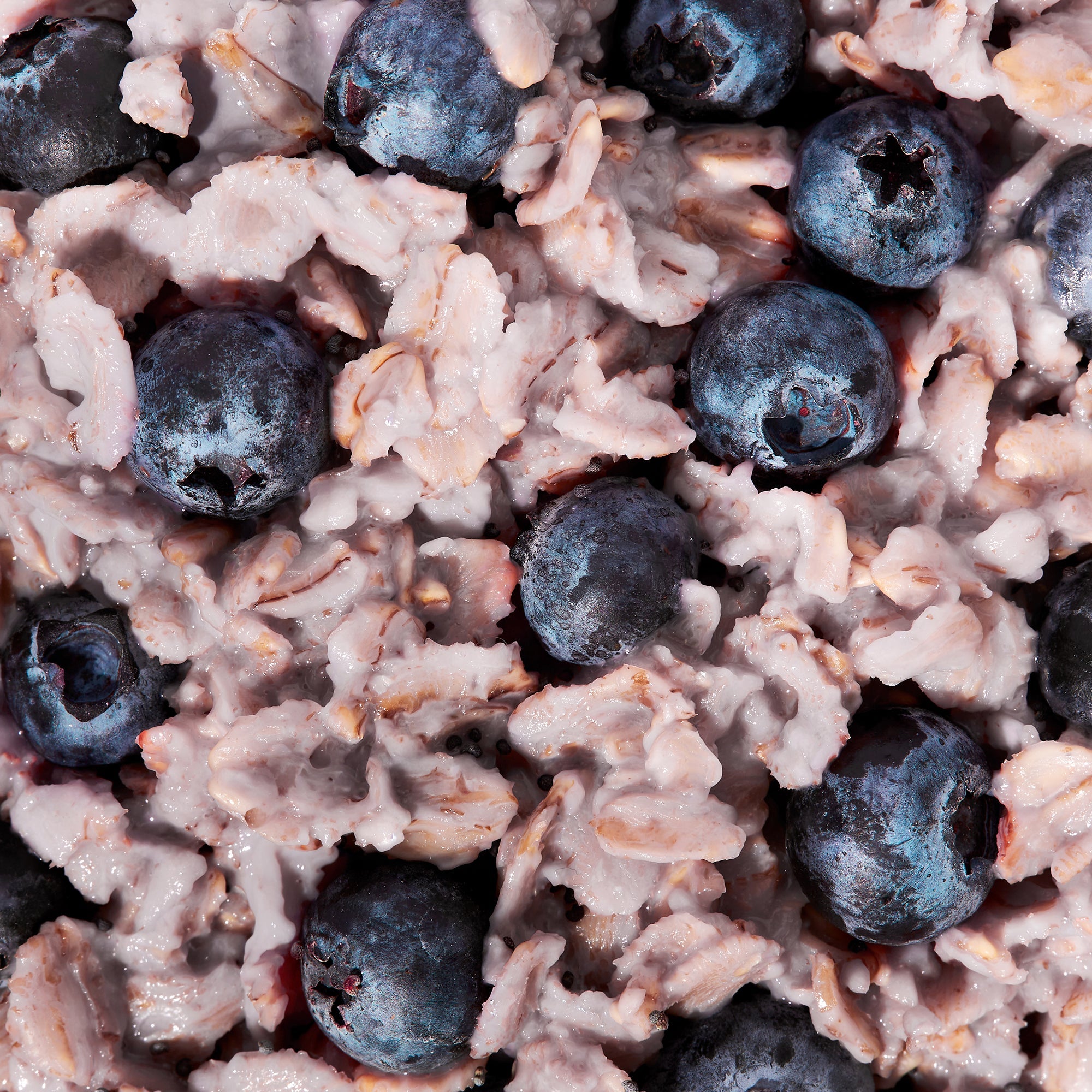

 Leaving soonBlueberry + Lemon 6-Pack8g Fiber
 -



 Leaving soonCreamy Tomato + Red Pepper Vodka Style 6-Pack8g Protein ⦁︎ 5g Fiber


FROZEN FOR A REASON


More collections
Nutrient-dense meals that fit your life… schedule… goals… budget… dietary needs.


FAQ
How do I view my order history?
To view your order history, on any page in the top right of the main navigation, select the Account icon to go to your Account page. There, you will see your Order History at the top of the page.
How do I apply my store credit?
On the homepage while logged in, scroll down to the "Delivery & Payment" section. If you have a store credit balance and store credit is currently not applied to your account, you will see an "Apply" button. Click the "Apply" button and your store credit will be applied to your next order.
Store credit will be applied to all of your future orders as long as you have store credit balance greater than $0.
I have a subscription. How do I un-skip a delivery?
You can un-skip a delivery by clicking "Change Date" under the "Next Delivery" section of the homepage. Here you can choose to delay your shipment by a week, un-skip an order, or choose a specific date of delivery.
How do I update or change my payment method?
To update your phone number or email address, log in to your account. In the Customer Profile Banner at the top right of homepage, select Manage Subscription to toggle to the Manage Subscription page.
There, you will see a "Payment method" section. Click the pencil icon within the section and then click the "SEND EMAIL TO UPDATE" button. An email will be sent to the email address associated with your account from which you can update your payment method.